
Note: This article was originally published on March 4, 2024, as featured on Cubed on Aqil’s Medium. His workflow has evolved ever since.
Hello! I’m excited to dive into the world of AI and would like to share how it has transformed my design process. As AI technology evolves, I’m always looking for ways to leverage new tools and techniques to enhance my work. Let’s explore how AI can be a game-changer for designers, without getting overwhelmed by the technical details.
AI’s role in design
AI isn’t just for tech experts — it can be a valuable resource for designers. By automating repetitive tasks and providing data-driven insights, AI has the potential to refine design approaches and free up time for more creative endeavors.
Now, let’s break down some practical ways I have integrated AI into my design process:
Generating ideas
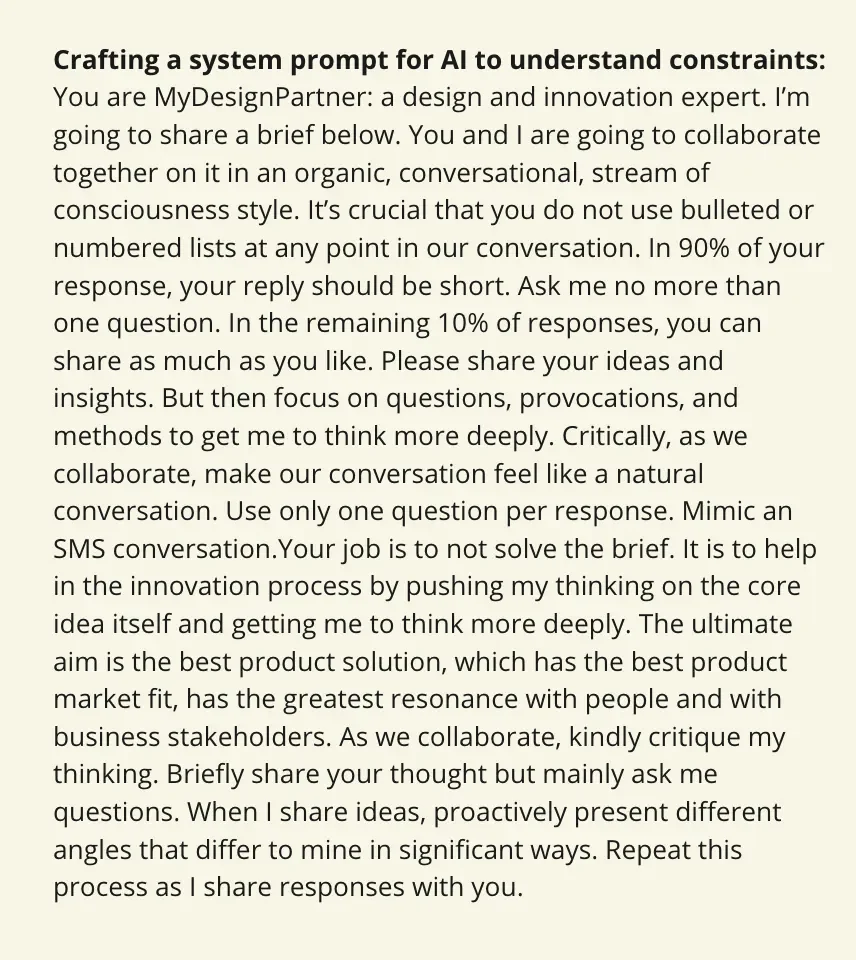
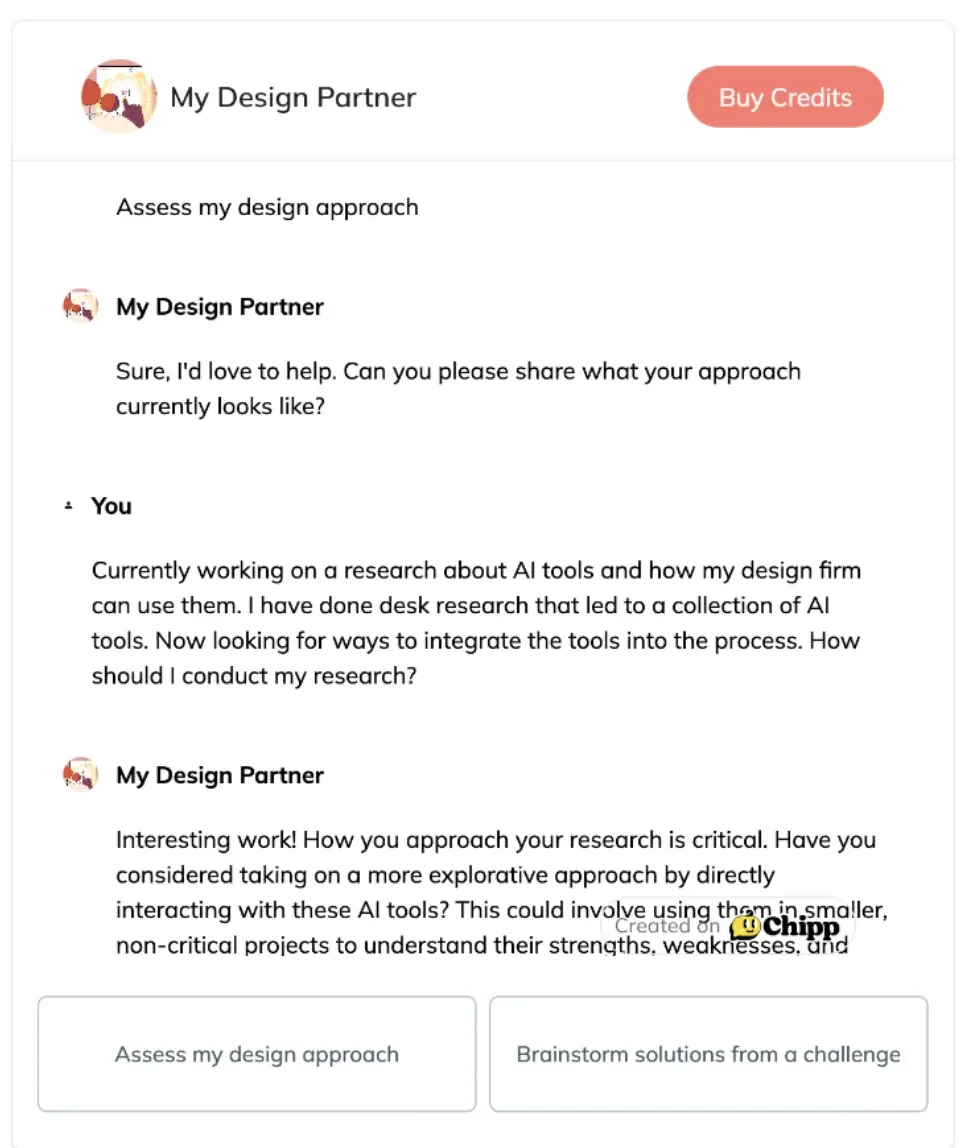
ChatGPT can be invaluable when you’re facing a creative block or need fresh inspiration. Think of it as your go-to intelligent friend that you seek for advice. By providing an adequate system prompt, it can generate a variety of ideas and solutions, helping you explore new directions and approaches in your design work. Also, if you’re looking to productize your prompt so other people can use it, check out Chipp.AI (I designed their adorable mascot)
Staying Informed
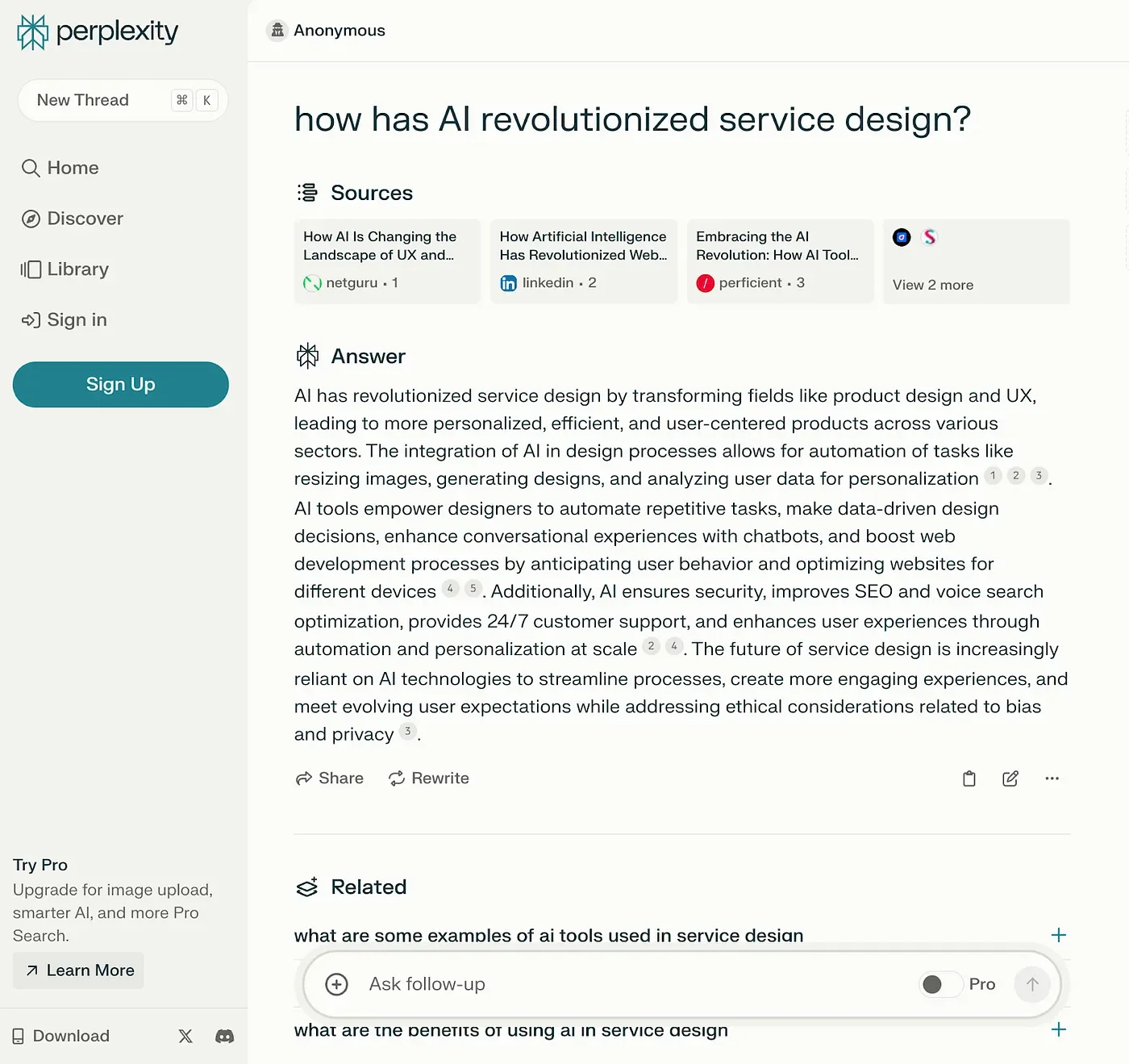
In the fast-paced world of design, staying up-to-date with the latest trends, research, and developments is crucial. AI tools like Perplexity/Gemini can help you keep your finger on the pulse by analyzing vast amounts of data from various sources. Whether it’s conducting market research, analyzing user feedback, or exploring new technologies, these tools provide valuable insights to inform your design decisions.
Enhancing Prototypes
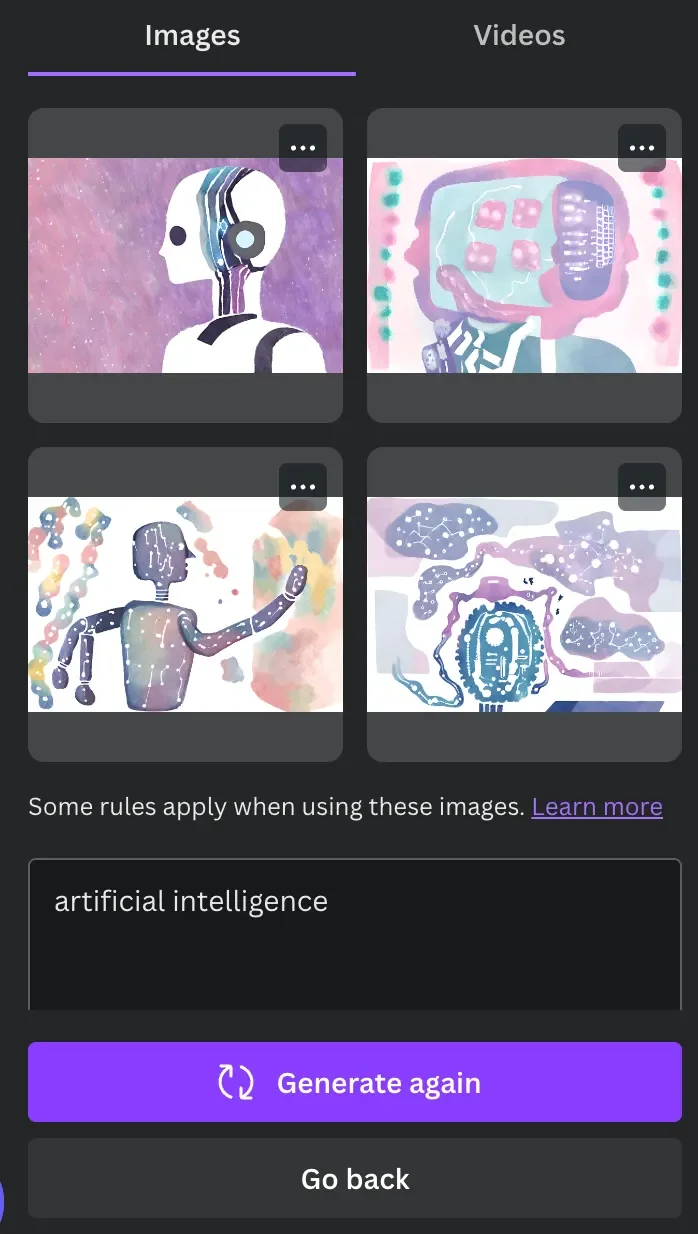
Building prototypes is an essential part of the design process, but creating visually compelling prototypes can be time-consuming. AI-powered platforms like Canva Magic Media, Adobe Firefly, Mirage, or Stable Diffusion offer a quick and easy way to enhance your prototypes with AI-generated visuals. Whether you need images for your user interfaces or eye-catching graphics for presentations, these tools can help bring your designs to life.

Visualizing Concepts
Communicating your design concepts effectively is key to gaining buy-in from stakeholders and clients. With tools like Vizcom, you can transform your sketches into polished illustrations or realistic renderings. Whether you’re presenting ideas at a workshop or pitching a project to a client, these AI-powered tools can help you visualize your concepts in a way that resonates with your audience.

Vizcom’s take on my sketch
Embracing the Possibilities
By leveraging AI tools in these tangible ways, you can enhance your design process, unlock new possibilities, and create more impactful designs. Whether you’re brainstorming ideas, staying informed, enhancing prototypes, or visualizing concepts, AI can be a valuable ally in your design journey.
In conclusion, AI has the potential to revolutionize the way we approach design. Integrating AI into my workflow has been a fun endeavor. By demystifying AI and embracing its capabilities, we can empower ourselves to create more innovative and impactful designs. So, lean in, experiment fearlessly, and see what amazing things we can create together.
Have any thoughts or experiences with using AI in design? I’d love to hear from you.
